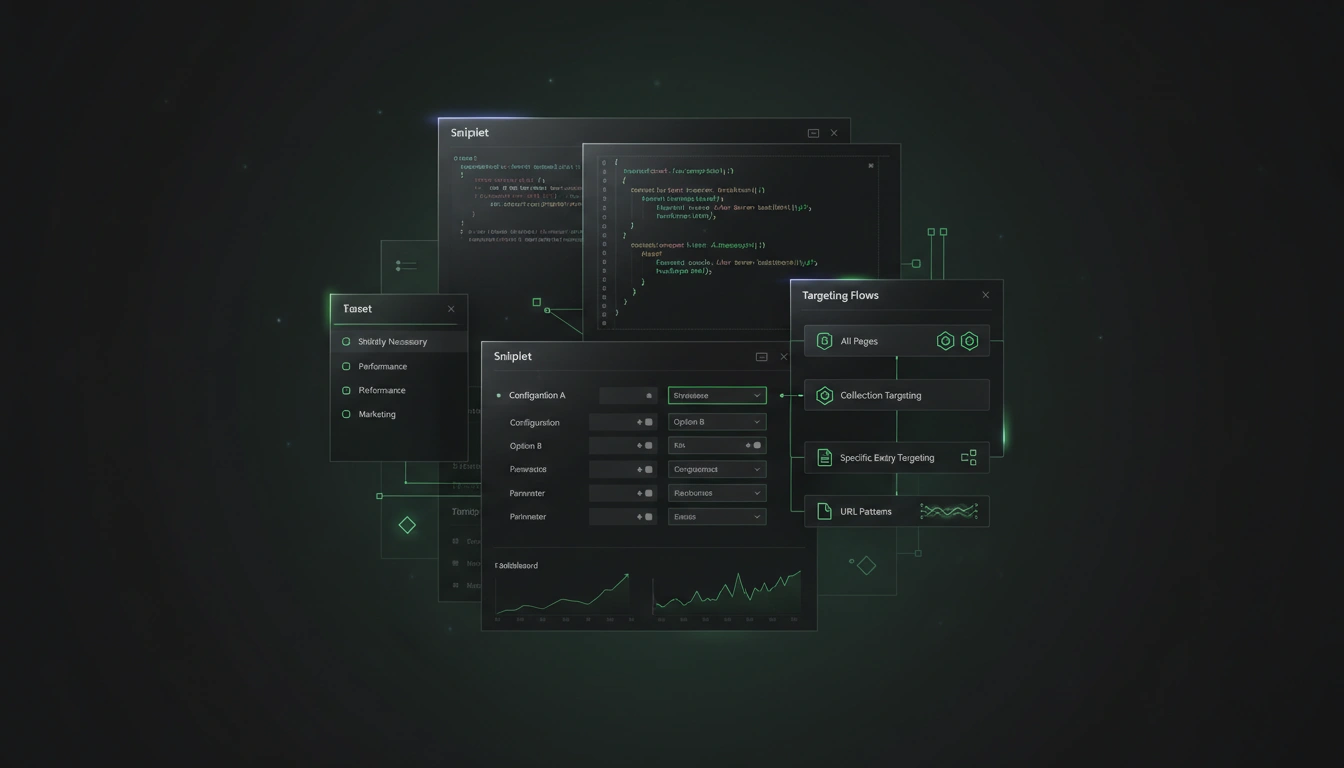
I needed to add Google Analytics to this blog. The usual answer is "drop the script tag in the layout." I didn't want to do that.
Why not the layout
Tracking snippets accumulate. GA4 today, then a GTM container for a campaign, then a pixel for a retargeting experiment, then something a partner asks for. Each one ends up as a hardcoded script tag somewhere in src/layouts/Base.astro, or worse, in a page-specific layout. Changing any of them becomes a commit, a rebuild, a deploy.
What I actually wanted was to add or remove a tracking provider from the admin UI, decide whether a snippet should fire on all pages, just one collection, or a specific set of entries, respect consent categories without rewriting markup every time, and keep the list reviewable — right now it's easy to forget a pixel is still loading months after the campaign ended. That's a plugin-shaped problem, not a layout-shaped problem.
The plugin model
EmDash has two plugin formats. The standard format runs code in a sandbox and builds admin UI from a Block Kit JSON tree that gets rendered server-side. The native format runs in the main process and lets the plugin export React components that are mounted directly in the admin shell.
I started with standard. It works, but Block Kit is a constrained surface. A tracking admin needs a list of known integrations with per-provider config forms, a snippet editor with a code textarea and a targeting picker, and a cross-collection entry picker so I can say "this snippet fires on the /pages/about entry and these three /posts entries." The last one is the sticking point. A Block Kit tree can render a dropdown, but not one that streams paginated entries from two different collections and lets me toggle them individually. At some point it becomes easier to ship React than to keep bending the JSON schema around the UI I want.
So I migrated to native. A single admin.tsx exports the pages keyed by path; the framework wires them into virtual:emdash/admin-registry and mounts them when the admin routes to the plugin. The plugin descriptor declares adminEntry: "emdash-tracking/admin" and the framework takes it from there.
A few things that cost me time
pnpm and file: dependencies. The plugin is linked as "emdash-tracking": "file:./plugins/emdash-tracking" in the root package.json. pnpm resolves file: paths by copying (or hardlinking) into its store, not by symlinking. So after editing plugins/emdash-tracking/src/admin.tsx, the version Vite actually loads — node_modules/emdash-tracking/src/admin.tsx — is stale until pnpm install runs again.
This wasted more of my afternoon than I'd like to admit. I'd fix a bug, reload, get the same error with the same stack trace. Diff the source against the node_modules copy: different files. Run pnpm install, reload, it works. I wrote down a note in GOOD_PRACTICES.md in the plugin so I remember next time.
The API response envelope. EmDash wraps every plugin-route response in { data: T }. apiFetch gives you the raw Response, so you do const { data } = await res.json(). Fine. Except I forgot this when I added a second helper for core routes and spent a while staring at a "No entries found" message. The fix is three characters: json.data ?? json. The real lesson is that a codebase's HTTP idiom should live in one helper, not be copy-pasted into every feature.
The content list endpoint caps limit at 100. I tried 200 and got a Zod validation error back. I lowered the request, noted the cap, moved on. The API told me exactly what was wrong, which is the right way for an API to fail.
Targeting modes
The snippet targeting type is narrow on purpose: mode is one of "all", "collection", "entries", or "url-pattern". I thought about adding taxonomy-based targeting ("fire on posts tagged x") and skipped it. Taxonomies change often enough that a user would create a tag, forget they'd attached a snippet to it, and be surprised later. URL patterns and entry IDs are harder to forget because the binding is explicit.
The entries mode is the interesting one. Originally it was two steps: pick a collection, then check entries from that collection. The problem is that one snippet reasonably targets a mix — say, the About page and three specific posts. The grouped picker loads every collection's entries in parallel, flattens them, groups by collection in the UI, and stores a flat array of entry IDs plus a derived collection hint. One snippet, multiple collections, one form.
Consent
Every snippet and every integration has a consent category: functional, analytics, or ads. The runtime injection logic reads the site's consent state and skips snippets whose category hasn't been granted. The admin doesn't try to hide this — the category is a required field. I'd rather force a choice than quietly ship something that a regulator would care about.
What's not in it
I didn't build tag-manager features. GTM exists; people who want tag-manager semantics should use GTM and inject a single container via this plugin. The plugin's job is to manage what gets injected, not to become a half-decent GTM.
I didn't build A/B experimentation. Same reason. The plugin injects code; if someone wants experiments, they inject the vendor's script and run experiments through the vendor.
What I'd change
If I were starting over I'd put the integration list behind a plugin registry rather than hardcoding it. Adding a new provider today means editing the plugin. A registry would let a downstream project ship its own provider without forking. I haven't done it yet because the provider list is short and stable enough that the ergonomics haven't bothered me.
Update: I split admin.tsx after publishing. It's now a 34-line router that dispatches on a small view union; each view lives in its own file under src/admin/, alongside shared types, api helpers, and styles. The largest module is the snippet editor at ~300 lines, everything else is under 100. HMR updates are scoped to the file I'm actually editing, which is what I wanted. The integration-registry refactor is still on the list.