I was shipping full-size images on every page. A 1344×768 hero image served identically to a 400px card thumbnail. On mobile, visitors were downloading megabytes of pixels they'd never see. I needed something like WordPress's image optimization plugins — automatic resizing, modern formats, responsive delivery — but running on Cloudflare's free tier.
The Problem with Cloudflare Image Resizing
Cloudflare has a built-in Image Resizing service that transforms images on the fly via /cdn-cgi/image/ URLs. It's elegant: append width=400,format=webp to any image URL and you get a resized copy at the edge. But it requires a Pro plan at $20/month minimum. For a personal blog, that's hard to justify.
I looked into Cloudflare Images (the separate product), but that means migrating all existing media out of R2 into a different service, plus $5/month and per-image costs.
Then I noticed something in my deploy output:
env.IMAGES ImagesThe IMAGES binding. Cloudflare Workers have a built-in Images API that lets you transform images programmatically — and it comes with 5,000 free transformations per month. For a blog with a few dozen posts, that's more than enough.
The Architecture
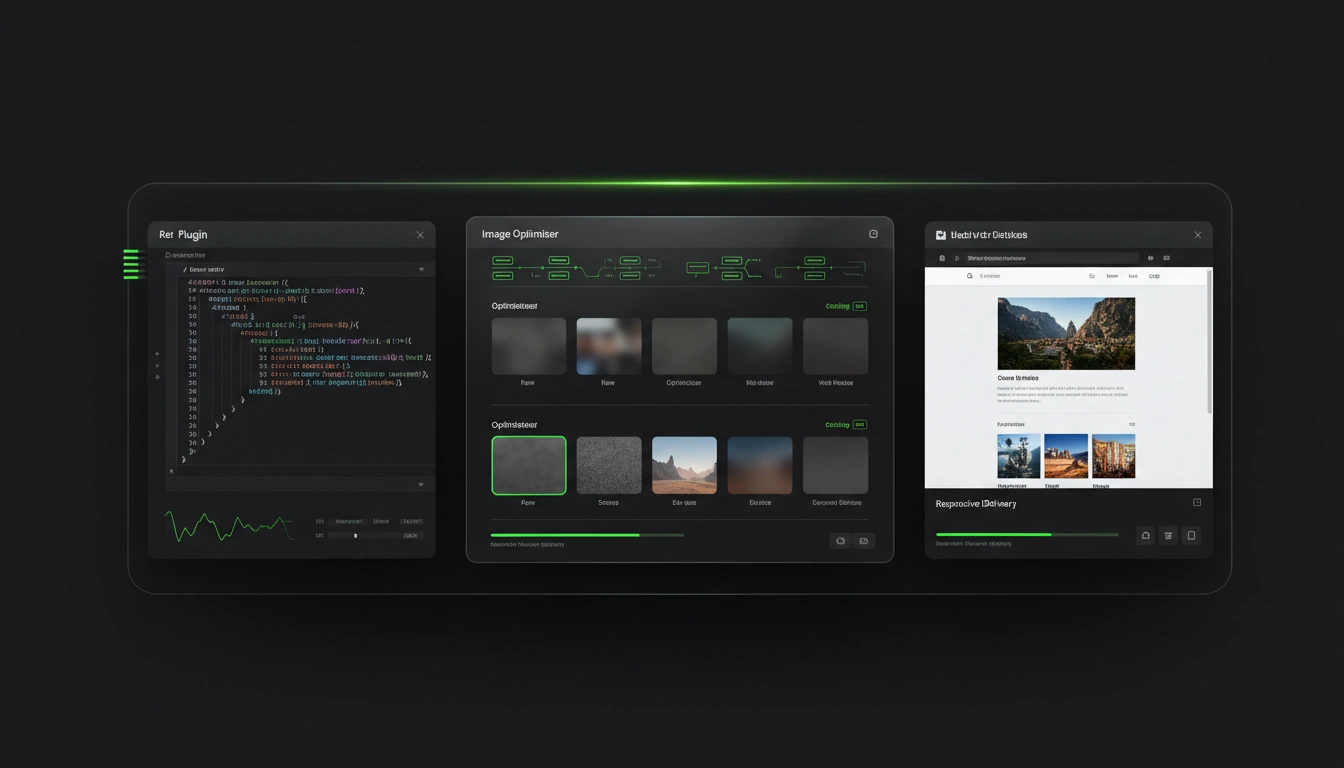
I ended up building two things that work together:
- An API route (
/api/img/) that transforms images on demand and caches the results in R2 - An EmDash plugin that pre-generates common variants when images are uploaded
The API route is the core. It handles any image at any size, even ones uploaded before the plugin existed. The plugin is a nice-to-have that eliminates the first-request latency for new uploads.
The API Route
The route lives at /api/img/{transforms}/{storageKey}. The transform segment uses a simple syntax:
/api/img/w_400,f_webp/01KNRT26X25TW4HVKDN9CYH27X.webpThis means: take the image with that storage key, resize it to 400px wide, convert to WebP.
The flow is straightforward:
- Check R2 for a cached variant at
_variants/{key}/w400.webp - If it exists, serve it with immutable cache headers
- If not, fetch the original from R2
- Transform it using the IMAGES binding
- Cache the result back to R2
- Serve the transformed image
The key insight: once a variant is cached in R2, subsequent requests never touch the IMAGES API again. You burn one transformation per unique size/format combo, then it's free forever.
Here's the transform code:
const output = await images
  .input(original.body)
  .transform({ width: 400, quality: 80 })
  .output({ format: "image/webp" });

const response = output.response();
Three lines. Cloudflare handles the actual resize, format conversion, and quality optimization internally.
One thing that tripped me up: in Astro v6 with the Cloudflare adapter, you can't access bindings through Astro.locals.runtime.env anymore. That throws an error telling you to use import { env } from "cloudflare:workers" instead. A small change, but it caused a 500 on the first deploy until I caught it.
The Plugin
The EmDash plugin hooks into media:afterUpload to pre-generate variants whenever someone uploads an image through the admin UI:
export default definePlugin({
  hooks: {
    "media:afterUpload": {
      timeout: 25000,
      errorPolicy: "continue",
      handler: async (event, ctx) => {
        // Skip non-images
        if (!event.media.mimeType.startsWith("image/")) return;

        // Generate 400w, 800w, 1200w variants
        for (const width of [400, 800, 1200]) {
          const output = await images
            .input(original.body)
            .transform({ width, quality: 80 })
            .output({ format: "image/webp" });

          await bucket.put(variantPath, body, {
            httpMetadata: { contentType: "image/webp" },
          });
        }
      },
    },
  },
});
The plugin uses errorPolicy: "continue" so a failed resize doesn't break the upload. If variant generation fails for any reason, the API route handles it on demand later.
Since the plugin needs direct access to the IMAGES and MEDIA bindings (which aren't part of the standard plugin context), it imports cloudflare:workers directly. This means it only works as a trusted plugin — it can't run in sandbox mode. That's fine for a first-party plugin on my own site.
The Frontend Component
The <ResponsiveImage> Astro component generates a <picture> element with multiple sources:
<picture>
  <source type="image/avif"
    srcset="/api/img/w_400,f_avif/key 400w,
           /api/img/w_800,f_avif/key 800w"
    sizes="(max-width: 600px) 100vw, 33vw" />
  <source type="image/webp"
    srcset="/api/img/w_400,f_webp/key 400w,
           /api/img/w_800,f_webp/key 800w"
    sizes="(max-width: 600px) 100vw, 33vw" />
  <img src="/api/img/w_800,f_webp/key" loading="lazy" />
</picture>
The browser picks the best format (AVIF if supported, then WebP) and the right size based on viewport width. A mobile user on a 400px screen downloads a 400px AVIF instead of a full-size original. The savings are dramatic — I saw an AVIF variant come in at 23KB versus 72KB for WebP at the same dimensions.
The Results
Before: every card and hero image served the full original — often 200-500KB each. A homepage with 7 images could easily push 2-3MB.
After: the same page serves optimized variants. A 400w WebP card image is around 70KB. AVIF cuts that further. The hero gets a 1200w version instead of the raw upload. Total page weight dropped significantly.
The best part: it's essentially free. The 5,000 monthly transformations cover the initial cache warming, and after that every request is served from R2 with zero transformation cost. Storage in R2 for variants is negligible — a few extra megabytes.
What I'd Do Differently
If I were starting over, I'd add a few things:
- Admin UI for the plugin — a settings page to configure which widths to generate, and a button to bulk-process existing images
- Purge variants when originals are deleted — right now orphaned variants sit in R2 forever
- Blurhash placeholders — the component already supports them, but my images don't have blurhash data generated yet
But for a first plugin, it works. Images are smaller, pages load faster, and it didn't cost me anything extra.
---
Update — Purging orphaned variants
One of the "things I'd add if starting over" items from above is now shipped. The plugin (v1.1.0) now garbage-collects variants whose originals have been deleted from R2.
Why it needed a cron, not a delete hook
My first instinct was to hook into media:afterDelete and purge variants synchronously. EmDash 0.1.1 doesn't expose that hook yet — the only media hooks available are media:beforeUpload and media:afterUpload. So intercepting deletes directly wasn't an option.
Instead, the plugin now schedules a daily reconciliation job via ctx.cron.schedule() and acts on the cron hook when the task fires.
How the GC knows what's orphaned
The layout in R2 is:
{storageKey}                          ← original
_variants/{storageKey}/w400.webp      ← variant 400px
_variants/{storageKey}/w800.webp      ← variant 800px
_variants/{storageKey}/w1200.webp    ← variant 1200px
Variants are namespaced under the original's storage key, which is stable and 1:1 with the EmDash media record. That makes the algorithm straightforward:
- List all objects under
_variants/(paginated, 1000 at a time). - Group keys by their
storageKeyprefix. - For each
storageKey, call `bucket.head(storageKey)` — if the original is gone, all variants under that prefix are orphans. - Batch delete the orphaned variants via
bucket.delete([...keys]).
I use R2's head() rather than querying EmDash's database because R2 is the ground truth for "does this file physically exist". Soft-deleted records (if EmDash ever adds them) are automatically ignored — only variants whose originals are actually gone get purged, which means nothing is deleted prematurely.
Plugin options
imageOptimizer({
  widths: [400, 800, 1200],
  purgeSchedule: "0 3 * * *", // daily at 03:00 UTC, default
});
Pass purgeSchedule: null to disable the purge entirely. The cron task is registered via a new plugin:activate hook, so it's scheduled once on activation and persists until the plugin is deactivated.
What's left
Still on the list: an admin UI for configuration, a bulk-reprocess button for existing images, and blurhash placeholders. But orphaned variants no longer accumulate forever — that's one less thing to worry about.